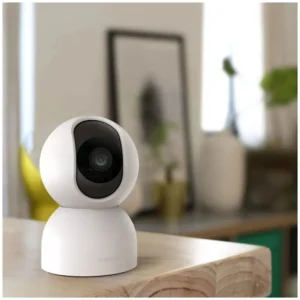
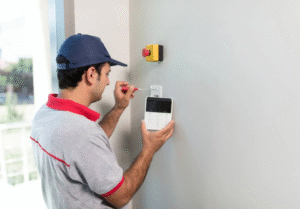
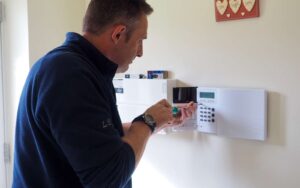
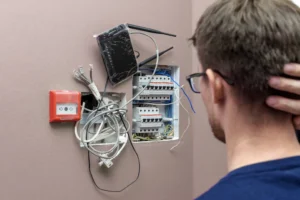
DIY CCTV installation is installing your own security cameras at home. You do not have to seek the assistance of a professional. Basic skills and simple tools will help you to defend your home.
CCTV cameras can be installed in the home without hiring a professional which will save money. It also provides you with complete control of your security system. There are numerous contemporary systems of cameras that are easy to set up. They have plug-and-play and stable wireless networks. All you do is to install the cameras, hook them up to a network and spy on them.
The live feed is available through a smartphone application. This is the guide that would take you through the whole process of setting it up. In this blog, we will discuss planning, equipment requirements and the physical installation. You will get to know how to secure your property step by step. Let us discuss ways through which you can create a safer home today.
Why Should You Choose DIY Camera Setup?
There are numerous advantages associated with the establishment of your own security system. You save hundreds of dollars of high labor expenses. You are also aware of your hardware and software in a better manner. This facilitates future problem-solving and maintenance. It is simple to upgrade your own system at your own time. It provides you with the total privacy of your family. It is up to you to determine where each camera is focused.
What To Take into Account Before Purchasing Cameras?
Sketch Your Property Plan
Before purchasing equipment, you should survey your house. Identify weak points such as front doors, backyards and dark alleys. Where do you really need to be seen? The points of side gates and windows of the ground floor are key security points.
Choose the Right Camera Type
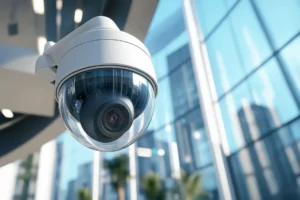
Choose between wired and wireless security cameras. Wireless cameras are not as difficult to install. Wired systems are more stable in their internet connections and power supply. Choose cameras with clear night vision and high waterproof abilities. Make sure that they are able to withstand heavy rains and high temperatures.
How Do You Plan the Installation Layout?
Determine Camera Placement
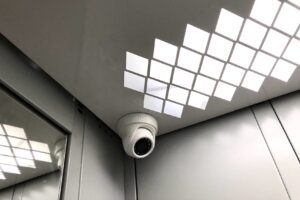
Install the new cameras up high in order to deter physical interference. Normally, eight to ten feet is very effective above the ground. This is a height which takes faces in sharp focus and cannot be easily accessed. Make sure that they are not facing direct and harsh sun rays. This eliminates the occurrence of bright glare that destroys your live video feed.
Test Your Wi-Fi Connection Strength
When you are using wireless cameras, you should always check your internet connection. Be in the place where you are going to get the camera and look at your phone. The poor Wi-Fi signal will produce significant video lag. It is worth considering purchasing a Wi-Fi extender when the connection is weak. A stable network is essential in motion alerts.
What Tools Do You Need for the Job?
To install the cameras, you require simple domestic equipment. Get a good power drill and steel masonry drill bits. Have a good ladder, a screwdriver and a tape measure. Take a pencil to indicate your precise locations of drilling. Have a few plastic cable clips on hand to do a nice job of wiring. Everything is located in one place, and the process of installation becomes much quicker. It eliminates disheartening visits to your garage.
How Do You Install and Mount the Cameras?
Drill the Mounting Holes
Use paper template in your new camera box. Hammer it to the wall and spot. Deliberately drill holes on the mounting screws. In case of drilling through stone or brick, masonry bits should be used. Wear safety glasses, so that your eyes are not covered with dust.
Attach the Brackets and Cameras
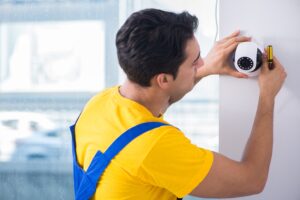
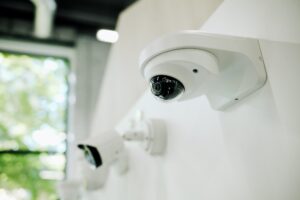
Place plastic wall anchors into your freshly cut holes. Fit the metal mounting bracket firmly to the wall. The fixed bracket holds the actual camera unit. Change the viewing angle to suit your target area. Ensure the housing of the camera is firmly secured.
How Do You Route the Cables Safely?
A wired power cable is even often needed in wireless cameras. Plunk a small hole to feed wires in your house. Close up any gaps with silicone to avoid concealed water damage. Cover your cables with eaves or in plastic conduits. This ensures that your home exterior is tidy and of high professional standards. It also shields fragile wires against the bad weather and vandals.
How Do You Configure the Security System?
Connect the cameras installed to the main hub or router. Install the security application of the manufacturer in your cell phone. Just use the easy onscreen instructions to connect your new devices. Create personal motion and push notification settings. Check every camera in order to make the video feed clear. Ensure that the night vision is in good shape when in dark. Sensitivity should be adjusted to ensure pets do not set off false alarms.
Conclusion
Installation of your own security system is very rewarding. You save and acquire good home improvement skills. An effective home made system will protect your family and property. You will be in complete peace of mind on a daily basis. Nevertheless, there are large properties that require a more sophisticated solution. We can be of assistance easily in case of complex wiring problems.
Call us and get prompt and professional help. Professional CCTV cameras installation is provided by us in complicated home jobs. Our network set up is also reliable to ensure flawless connectivity. You can also have our home security audits. We can assist you in safeguarding the things that are the most important to you. Call our amiable team now to be at peace.
FAQs
Would it be possible to install CCTV cameras without drilling?
Yes, it is possible to employ heavy-duty outdoor mounts. Nevertheless, drilling is a far more stable, long-lasting ownership.
Are DIY security cameras internet-capable of recording video?
The cameras are very many and they record locally on an inserted micro SD card. Remote viewing and alerts however require internet access.
When should I hire your professionals for CCTV installation?
You should call us in case of complicated wiring or troubleshooting. Our services include professional installation of CCTV cameras and network installation.